
Choosing the right tools can make a big difference in how quickly your blog grows. This list of Best WordPress Plugins for Bloggers: Boost Traffic & Growth focuses on practical, high-impact plugins that solve real problems — from SEO and speed to conversions and sharing. Each pick includes what it does, why it matters, and a quick tip for getting the most out of it.
1. Yoast SEO (or Rank Math) — On‑page SEO made simple

Yoast SEO (and Rank Math as an alternative) helps you optimize posts for search engines with readable scores, XML sitemaps, and meta tag controls. These plugins guide keyword usage, internal linking, and schema markup without needing technical SEO expertise.
Use it to set one focus keyword per post, craft a compelling meta description, and enable breadcrumbs for better site structure. Real insight: combining a plugin with a simple content checklist (keyword, headers, image alt text, internal links) raises your ranking chances more than obsessing over keyword density.
2. WP Rocket — Speed up pages and reduce bounce

WP Rocket is a premium caching plugin that reduces load times via page caching, preloading, and asset optimization. Faster pages keep visitors engaged and improve search rankings, directly affecting traffic and conversion rates.
Enable lazy loading and combine/minify CSS and JS where safe, but test after changes to avoid breaking layouts. Tip: even small speed gains on mobile often translate to measurable decreases in bounce and higher time-on-page.
3. Smush (or ShortPixel) — Optimize images without losing quality
Smush and ShortPixel automatically compress and serve appropriately sized images, cutting page weight while preserving visual quality. Since images are often the largest assets, compressing them speeds up the site and improves user experience.
Configure automatic resizing and choose lossless or lossy compression based on your design needs. Practical tip: set a maximum upload dimension (e.g., 2000 px) to prevent huge images from bloating posts.
4. MonsterInsights — Understand what drives traffic

MonsterInsights connects Google Analytics to WordPress with an easy dashboard and actionable reports focused on top posts, referral sources, and conversion tracking. Knowing which content converts lets you invest in what works.
Set up events for email signups, downloads, and outbound clicks to see real engagement. Insight: traffic sources are only useful if paired with behavior metrics — track both to prioritize promotion channels that actually convert.
5. UpdraftPlus — Reliable backups for peace of mind

UpdraftPlus automates backups to remote storage (Dropbox, Google Drive, S3) and simplifies restores, which is essential if a plugin conflict or hack takes your site offline. Regular backups prevent catastrophic data loss and downtime that can kill momentum.
Schedule daily or weekly backups based on posting frequency and store them offsite. Practical advice: test a restore on a staging site occasionally so you’re not learning the process during an emergency.
6. Social Snap (or Social Warfare) — Make sharing frictionless

Social Snap and Social Warfare provide attractive share buttons, customizable counts, and click-to-tweet boxes that encourage social amplification. More shares mean broader exposure and potential referral traffic.
Place sharing buttons where they’re visible but not intrusive (e.g., sticky sidebar or after the first paragraph) and enable share counts selectively to build social proof. Quick tip: tailor share text for platforms — a tweet-friendly blurb increases share rate.
7. Convert Pro (or OptinMonster) — Grow your email list

Convert Pro and OptinMonster create popups, slide-ins, and inline forms with targeting rules for exit intent, scroll depth, and referral source. Email remains the most reliable channel for returning visitors and monetization.
Use a simple two-step opt-in (button then form) to improve conversions and A/B test headlines and form colors. Realistic insight: a small, well-targeted list often converts better than a large, passive one — focus on quality over quantity.
8. Broken Link Checker — Maintain link health and SEO

Broken Link Checker scans posts and pages for dead links and missing images, letting you fix or unlink them quickly. Broken links harm SEO and frustrate readers, reducing credibility and traffic over time.
Run scans periodically and repair high-traffic pages first. Note: because this plugin can be resource-heavy, consider running it manually or via a staging site for very large blogs.
9. Redirection — Manage redirects and track 404s
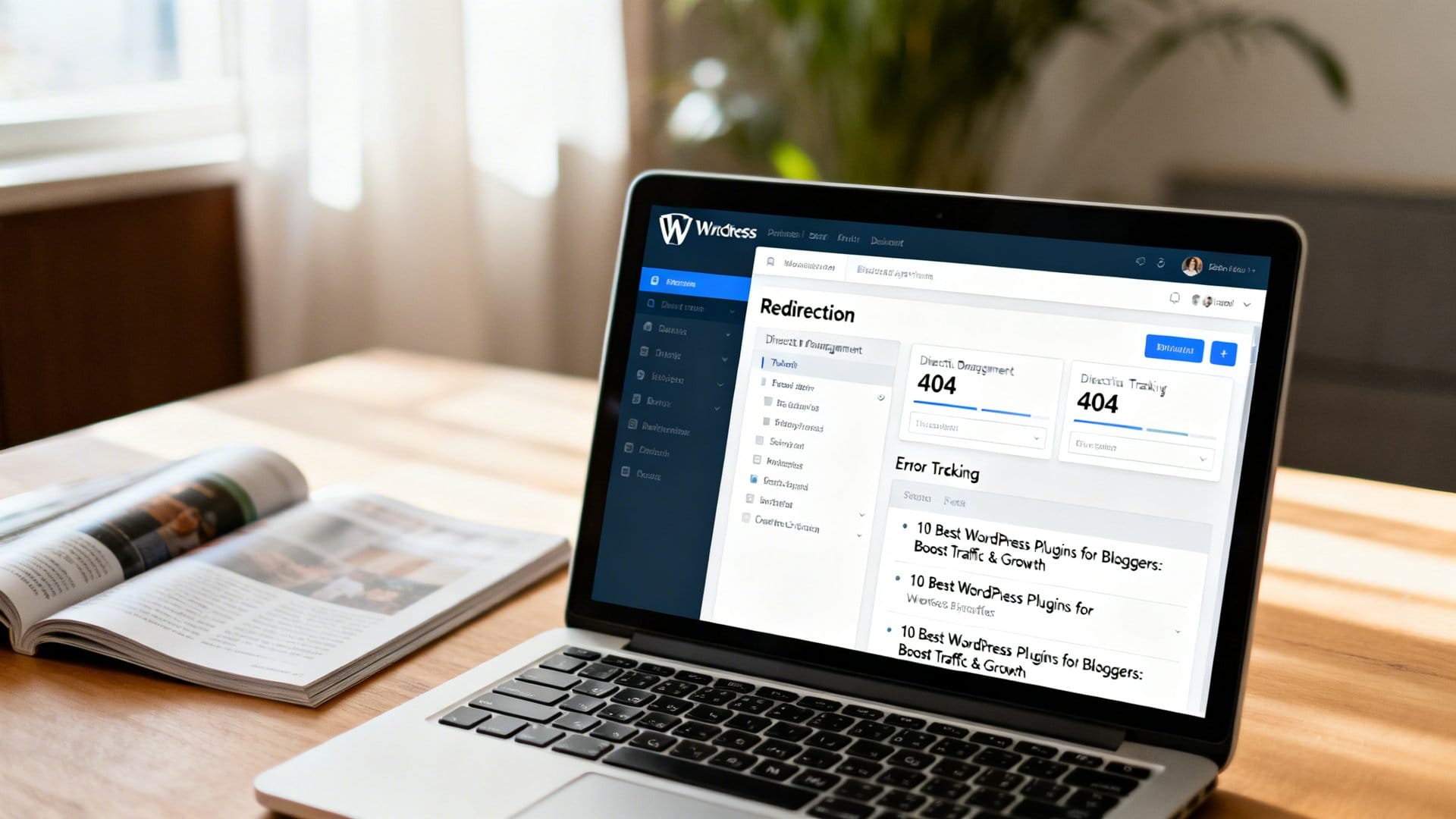
Redirection handles 301 redirects without touching your server config and logs 404 errors so you can redirect broken or moved content. Proper redirects preserve SEO equity when URLs change and reclaim lost traffic from broken links.
Create redirects for renamed posts and set up groups for campaigns to keep things organized. Tip: monitor 404 logs weekly to quickly rescue pages that attract external links.
10. Table of Contents Plus (or LuckyWP Table of Contents) — Improve UX and SEO snippets
Table of Contents plugins automatically generate in-page navigation for long posts, improving readability and enabling jump links in search result snippets. Better usability increases time-on-page and can boost click-through rates from search engines.
Enable auto-insertion for posts over a certain length and use header thresholds to avoid clutter. Practical note: a visible TOC also helps mobile readers navigate long guides, lowering bounce and improving engagement.
Choosing the Best WordPress Plugins for Bloggers: Boost Traffic & Growth comes down to covering performance, discovery, usability, and conversions. Start with SEO, speed, image optimization, and analytics; then add conversion and maintenance tools to protect and grow your audience. Implement one or two plugins at a time and measure impact so you scale what actually moves the needle.
Frequently Asked Questions
Yoast SEO or Rank Math are both excellent; they provide readable optimization scores, XML sitemaps, meta tag controls, and guided keyword usage. Use one to set a focus keyword, write a compelling meta description, and enable breadcrumbs to improve indexability and structure.
Use a caching plugin (e.g., WP Rocket or a free alternative like W3 Total Cache) combined with an image optimization plugin (e.g., ShortPixel or Smush). Configure caching, minification, and lazy loading, and compress images to reduce page load times and improve user experience and SEO.
An email opt‑in and lead‑generation plugin like Convert Pro, OptinMonster, or Mailchimp for WordPress works well for creating popups, inline forms, and exit intent offers. A/B test form designs and place high-converting forms on posts and the homepage to steadily grow your list.
Use a lightweight social sharing plugin (e.g., Shared Counts or Social Warfare) to add visible, fast social buttons and share counts to your posts. Pick a placement that doesn’t slow the site — typically floating or at the top/bottom of content — and include open graph tags for better previews.
Combine a security plugin (e.g., Wordfence or Sucuri) with an anti-spam plugin (e.g., Akismet) to block malicious login attempts, scan for malware, and filter comment spam. Regularly update plugins/themes, enforce strong passwords, and enable two-factor authentication for added protection.