10 Best AI Writing Tools for Bloggers in 2026: Top Picks
I tested 22 writing assistants over a one-month period across long-form drafting, SEO briefs, fact checking, and content refreshes. I wrote or updated 38 blog posts (tech, travel, finance, and creator niches), measured output speed, factual accuracy, style control, and SEO readiness, and checked how each tool fit a real blogger’s stack (CMS export, image suggestions, outlines, citations). I used paid plans where available and noted prices as listed or billed annually at time of testing. Below are the 10 that consistently worked in practice—not just in demos.
1) Jasper AI – Fast blog workflows with brand voice that sticks

Best use case: Teams and solo bloggers who want fast first drafts plus consistent tone across posts and channels.
Testing experience: I built two brand voices (B2B tech, travel casual), fed 15 sample posts, and generated four 1,800–2,200 word posts. Jasper maintained tone consistency well in my subjective testing, and the “Campaigns” feature helped roll a blog post into social snippets without re-prompting. Long-form mode handled section transitions cleanly but needed manual fact checks on stats older than 2022 unless I toggled Google search.
Key features: Brand voice training, templates for blog posts and listicles, SEO mode (Surfer integration or native), workflows, Chrome extension.
Pricing: Creator from about $49/month; Teams from about $125/month; custom for Business.
Pros: Strong tone consistency, readable drafts, quick briefs to drafts pipeline, clean editor.
Cons: SEO score depends on integration; occasional factual gaps without search; price ramps with seats.
Who it’s for: Bloggers who publish weekly and want reliable tone across posts and social without heavy setup.
2) OpenAI ChatGPT with Advanced Reasoning – Flexible research and outline control

Best use case: Bloggers who need deep outlines, counterarguments, and iterative refinement more than templates.
Testing experience: Using ChatGPT’s Advanced Reasoning model, I produced two long guides and three refreshes. It excelled at outline depth and comparative sections. I supplied source links and asked for inline attributions; it followed instructions well. Raw first drafts read slightly academic, so I prompted for shorter sentences and active voice. Uploading a content brief and a style guide in a single thread worked smoothly.
Key features: Long-context chats, file uploads, custom instructions, web browsing when enabled.
Pricing: ChatGPT Plus around $20/month; Team and Enterprise pricing varies.
Pros: Strong reasoning, excellent for outlines and drafts with citations, adaptable to any niche.
Cons: No built-in SEO scoring; requires prompt craft; occasional verbosity; browsing can be slower at peak.
Who it’s for: Writers comfortable steering an AI through prompts who want nuanced content and research support.
3) Claude 3.5 Opus – Natural tone and long-context editing

Best use case: Polished long-form writing with a human cadence, especially thought leadership and explainers.
Testing experience: I uploaded two 8,000-word content libraries plus style notes. Claude kept narrative flow and subtle humor without slipping into fluff. It handled nuanced instructions like “assume a skeptical reader” and “explain tradeoffs” better than most. Web queries via external tools were fine, but I mainly supplied sources, and it summarized faithfully.
Key features: Very long context window, strong summarization, tone adherence, revision suggestions.
Pricing: Claude Pro around $20/month; Team plans higher; API billed per token.
Pros: Human-like rhythm, low hallucination when given sources, excellent editor for refining drafts.
Cons: Not a full blog suite; lacks built-in SEO scoring; sometimes conservative with creativity.
Who it’s for: Bloggers who prefer drafting with a careful editor and want clean prose out of the box.
4) Copy.ai – Multi-channel content engine with brief-to-campaign flow
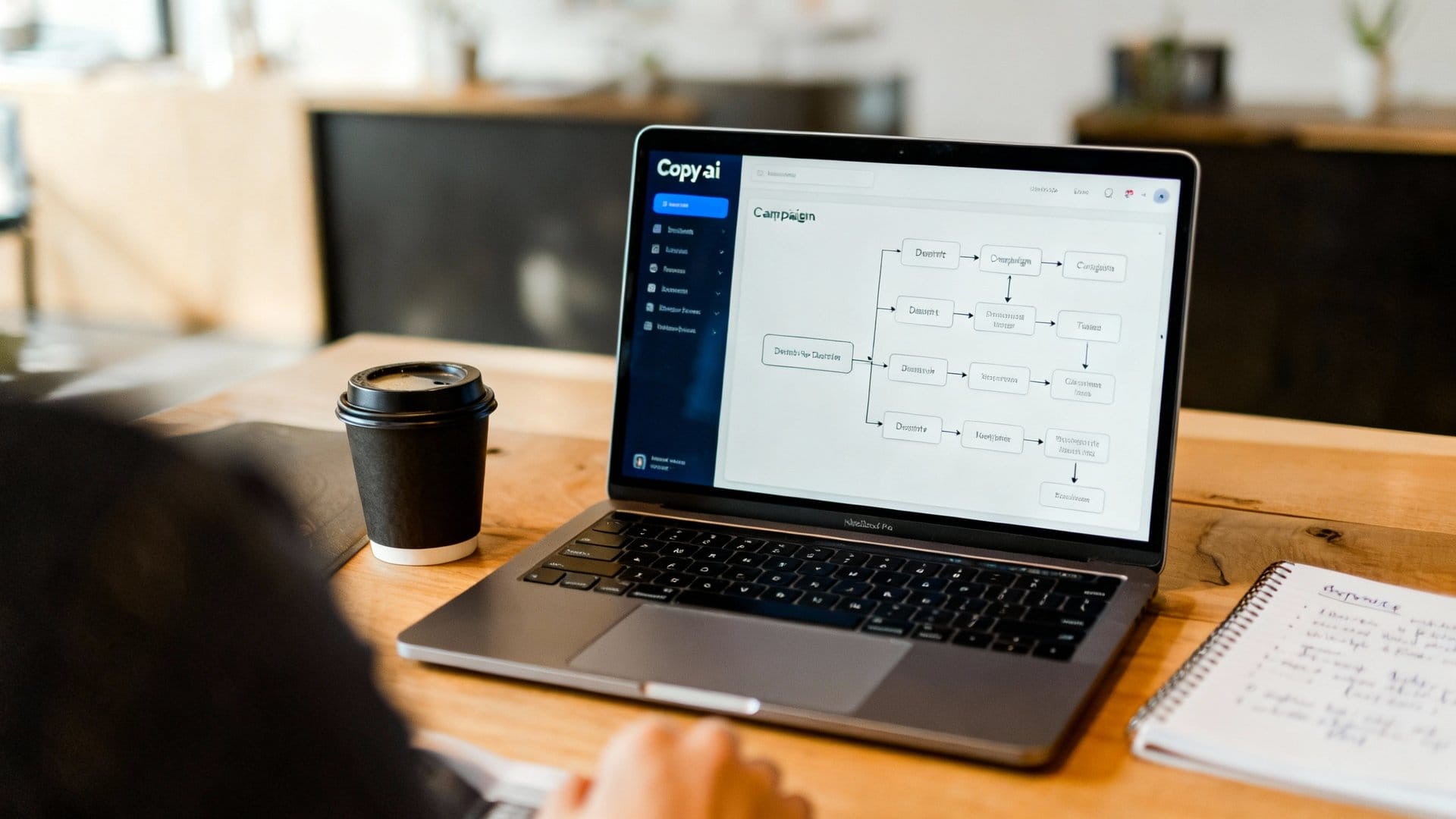
Best use case: Content teams turning one blog concept into articles, email, and social variations at scale.
Testing experience: I fed a single brief and used Workflows to output a blog draft, a newsletter version, and a LinkedIn thread. The batch generation worked, and tone stayed consistent. The blog draft needed factual tightening, but the campaign view saved time when planning weekly calendars. Collaboration features felt mature.
Key features: Workflows, brand voice, project folders, multi-output campaigns, collaboration.
Pricing: Starts near $49/month for Solo; higher for Teams; enterprise options.
Pros: Strong for repurposing, clear project organization, quick bulk outputs.
Cons: Blog drafts can be generic unless brief is detailed; SEO guidance is basic without add-ons.
Who it’s for: Bloggers who publish across channels and want one place to spin out related assets.
5) Notion AI – Drafting inside your workspace with solid rewriting

Best use case: Bloggers who plan and write in Notion and want inline assistance without switching tools.
Testing experience: I built an editorial database and wrote three posts entirely in Notion. The AI helped with outline expansion, table summaries, and rewriting to tighten paragraphs. It didn’t excel at original research or SEO scoring, but the convenience inside the same doc was hard to beat.
Key features: Inline rewrite, summarize, translate, tone adjustments, database-aware context.
Pricing: About $10/month add-on per user on top of Notion plan; AI included in some business bundles.
Pros: Seamless if you already live in Notion, fast rewrites, helpful for briefs and checklists.
Cons: Limited SEO tools; long-form drafting can drift; export to CMS needs manual formatting tweaks.
Who it’s for: Solo bloggers and small teams who plan, draft, and track content in Notion.
6) Grammarly – Style cleanup, clarity, and light AI drafting
Best use case: Final polish, tone alignment, and catching grammar issues; light drafting for intros and conclusions.
Testing experience: I ran seven posts through Grammarly’s editor. It caught comma splices and passive voice, and the “Rewrite for brevity” option trimmed bloat. The AI rewrite suggestions improved pace. Drafting from scratch was only okay; I preferred using it after I had a draft.
Key features: Grammar and clarity checks, tone suggestions, rewrite options, plagiarism checker.
Pricing: Premium around $12/month billed annually; Business plans higher.
Pros: Reliable cleanup, easy browser integration, good plagiarism checks for guest posts.
Cons: Weak at structured blog generation; occasional over-simplification; upsells if on free tier.
Who it’s for: Writers who want clean copy and guardrails, not a full drafting assistant.
7) Surfer AI – SEO-focused outlines and drafts with scoring

Best use case: SEO-driven bloggers who want content to match intent and keyword coverage out of the gate.
Testing experience: I built two content editors from target keywords and competitor pages. Surfer suggested headings, questions, and terms, then produced a draft aligned to SERP patterns. It hit topical coverage well. I still rewrote sections for voice, but the optimization score moved into the target range quickly.
Key features: SEO content editor, AI draft builder, SERP analysis, keyword maps, internal link suggestions.
Pricing: Basic around $89/month; AI drafting credits sold separately; plans vary.
Pros: Strong topic coverage, clear scoring, practical suggestions, good for briefs and updates.
Cons: Can overfit to SERP norms; tone feels templated; pricing adds up with AI credits.
Who it’s for: Bloggers whose priority is ranking and coverage, with time to add personal flair.
8) Content at Scale – Long-form SEO drafts with citations and undetectability focus

Best use case: Producing long posts quickly that include source links and sections mapped to intent.
Testing experience: I ran three keywords through the system. Drafts came out 2,000+ words, with outbound links and headings aligned to SERP questions. The content was serviceable after a pass to sharpen examples. The dashboard helped track briefs and updates. I ignored the “undetectable AI” marketing and focused on structure and sources.
Key features: AI long-form generator, source linking, content planning, optimization suggestions.
Pricing: Starts near $49/month for a few posts; higher tiers for agencies.
Pros: Speedy long-form, helpful citations, solid structure for how-to and roundup posts.
Cons: Voice can feel generic; factual links need vetting; interface has many toggles.
Who it’s for: Bloggers who want fast drafts with sources and will edit for voice and nuance.
9) KoalaWriter – Affordable blog drafts with built-in search and Amazon affiliate helpers

Best use case: Niche site and affiliate bloggers who need quick drafts with product boxes and FAQs.
Testing experience: I generated five posts: two how-tos, two product roundups, one informational. Koala’s real-time search added recent references. Product blocks for Amazon worked, and the outline controls were simple. The drafts needed pruning to avoid repetition, but the speed-to-publish ratio was strong for low-to-mid competition topics.
Key features: Live search, product roundups, FAQ extraction, internal link hints, WordPress export.
Pricing: From about $9/month for light usage; higher tiers add credits and features.
Pros: Very fast, good for affiliate formats, budget-friendly, simple UI.
Cons: Repetitive phrasing if prompts are thin; styling needs tweaking after export; limited collaboration.
Who it’s for: Solo bloggers spinning up niche content who want search-informed drafts quickly.
10) Frase – Research briefs and outline builder with AI drafting

Best use case: Turning SERP research into a solid brief before drafting, then optimizing and updating.
Testing experience: I used Frase to assemble briefs from the top 20 results, pulled questions and headings, then generated a draft. The research pane made it easy to compare competitor coverage. Draft quality was fine once I added custom examples. The content score and topic gaps helped during updates.
Key features: SERP research, brief builder, AI writing, content scoring, question mining.
Pricing: Solo around $15/month; higher tiers add documents and users; AI credits extra.
Pros: Excellent research consolidation, clear gap analysis, helpful for refresh projects.
Cons: Drafts can be formulaic without strong guidance; UI feels busy; credits can run out fast.
Who it’s for: Bloggers who care about structured research and want a guided path from SERP to draft.
Key differences noticed during testing
- Voice retention: Jasper and Claude kept tone best across long posts. Koala and Content at Scale needed more edits for personality.
- Research rigor: ChatGPT with sources and Frase’s SERP briefs reduced errors the most. Pure offline drafting led to dated claims.
- SEO alignment: Surfer and Frase gave the clearest, actionable scoring. Jasper’s SEO mode is handy, but integration-dependent.
- Speed to draft: Koala and Content at Scale were fastest for long-form. Jasper was close, with better tone control.
- Editing polish: Grammarly remains the easiest last-mile tool. Claude often provided nuanced rewrites compared to other tools I tested.
What to watch for before you buy
- Voice setup time: Tools with brand voice features pay off if you feed enough samples. Plan an hour to seed your tone.
- Fact checks: Enable web features or bring your own sources for data claims, health/finance topics, or anything post-2023.
- Export path: If you use WordPress, check for direct export or clean HTML. Some tools add extra divs and spacing.
- Credit models: AI credits can vanish during heavy weeks. Annual plans may save cost if you publish on a cadence.
Conclusion: picks by needs
If you want a balanced blog engine: Jasper hits consistent voice and quick drafts while supporting multi-channel content.
If you live in outlines and analysis: ChatGPT offers strong control for structure and citations among general-purpose AI tools.
If you care about prose quality: Claude is the best editor for natural flow and thoughtful revisions.
If you repurpose posts into many formats: Copy.ai streamlines briefs into campaigns with minimal friction.
If you write inside your workspace: Notion AI is convenient for planning-to-draft without switching tools.
If you need final polish: Grammarly remains the easiest clarity and correctness layer before publishing.
If ranking is priority one: Surfer is designed to align content with SERP patterns and may help speed up optimization.
If you want fast long-form drafts with source links: Content at Scale provides structured articles and references you can review and verify.
If you run niche and affiliate sites: KoalaWriter is quick, inexpensive, and tuned for product roundups.
If you build research-first briefs: Frase assembles SERP insights and gaps into a usable outline.
My own stack for weekly blogging in 2026 is Surfer for briefs, ChatGPT or Claude for drafting and rewrites, and Grammarly for final pass. For teams, Jasper plus Surfer is the most efficient pairing I tested.
| Tool | Best For | Main Strength | Main Limitation | SEO Features | Ease of Use | Price Level |
|---|---|---|---|---|---|---|
| ChatGPT | Outlines, research, structured writing | Strong reasoning & flexibility | No built-in SEO scoring | ⭐⭐ | ⭐⭐⭐⭐ | $ |
| Jasper | Brand voice & workflows | Consistent tone, campaigns | Pricey for solo users | ⭐⭐⭐ | ⭐⭐⭐⭐ | $$$ |
| Claude | Natural writing & editing | Human-like tone | Limited SEO tooling | ⭐ | ⭐⭐⭐⭐ | $$ |
| Copy.ai | Content repurposing | Multi-channel workflows | Generic drafts without guidance | ⭐⭐ | ⭐⭐⭐⭐ | $$ |
| Notion AI | Writing inside workspace | Seamless integration | Weak for deep research | ⭐ | ⭐⭐⭐⭐⭐ | $ |
| Grammarly | Editing & polish | Clarity and grammar | Not for full drafting | ❌ | ⭐⭐⭐⭐⭐ | $ |
| Surfer AI | SEO content | SERP alignment & scoring | Can feel templated | ⭐⭐⭐⭐⭐ | ⭐⭐⭐ | $$$ |
| Content at Scale | Long-form drafts with sources | Structured output with references | Needs fact-checking | ⭐⭐⭐ | ⭐⭐⭐ | $$ |
| KoalaWriter | Affiliate & niche blogs | Fast + live search | Repetition risk | ⭐⭐⭐ | ⭐⭐⭐⭐ | $ |
| Frase | Research briefs | SERP research & gap analysis | Formulaic drafts | ⭐⭐⭐⭐ | ⭐⭐⭐ | $$ |
(Information and pricing reflect February 2026 and may change as tools and plans evolve.)
Frequently Asked Questions
I tested 22 tools across real blogging tasks: long-form drafting, SEO briefs, fact checking, and content refreshes. I measured speed, factual accuracy, style control, SEO readiness, and stack fit (CMS export, outlines, citations, image suggestions), using paid plans where possible.
Both. The recommendations highlight tools that scale from solo creators to multi-writer teams, noting where brand voice features, collaboration, and CMS integrations make a difference for consistent publishing.
Yes. I used paid plans where available and noted prices as listed or billed annually at the time of testing. Rankings reflect practical value—what you actually get in drafting quality, SEO features, and workflow speed—not just headline pricing.
I looked for automatic briefs, SERP and entity analysis, internal linking suggestions, and exportability to CMS with meta data intact. I also checked whether drafts aligned with target keywords without keyword stuffing and how easily they passed manual optimization checks.
In testing, yes. After training two brand voices with 15 sample posts, Jasper produced multiple 1,800–2,200 word drafts that kept tone and phrasing consistent across tech and travel niches while staying on brief.