The Monthly Blog Planning Template (Free): Plan Posts Faster is a practical tool for bloggers who want to save time and publish consistently without winging it each month. In this post you’ll find a clear, skimmable walk-through of how to use a free monthly planning template, plus realistic examples, workflow tips, and a couple of simple monetization ideas that fit common blogging paths.
Why a monthly blog planning template matters
Planning a month at a time reduces decision fatigue and smooths the content pipeline. Instead of scrambling each week for topics, you set priorities, map deadlines, and reserve time for research, drafts, edits, and promotion. That predictability helps steady traffic growth and improves quality because you can batch tasks.
Monthly planning also makes collaboration easier. If you work with a VA, editor, or co-writer, a shared template establishes who does what and when.
What’s in the Monthly Blog Planning Template (Free): Plan Posts Faster
The free template should be compact but comprehensive—enough fields to keep you organized without feeling overwhelming. Typical sections include:
- Monthly goals (traffic, email sign-ups, revenue—realistic targets)
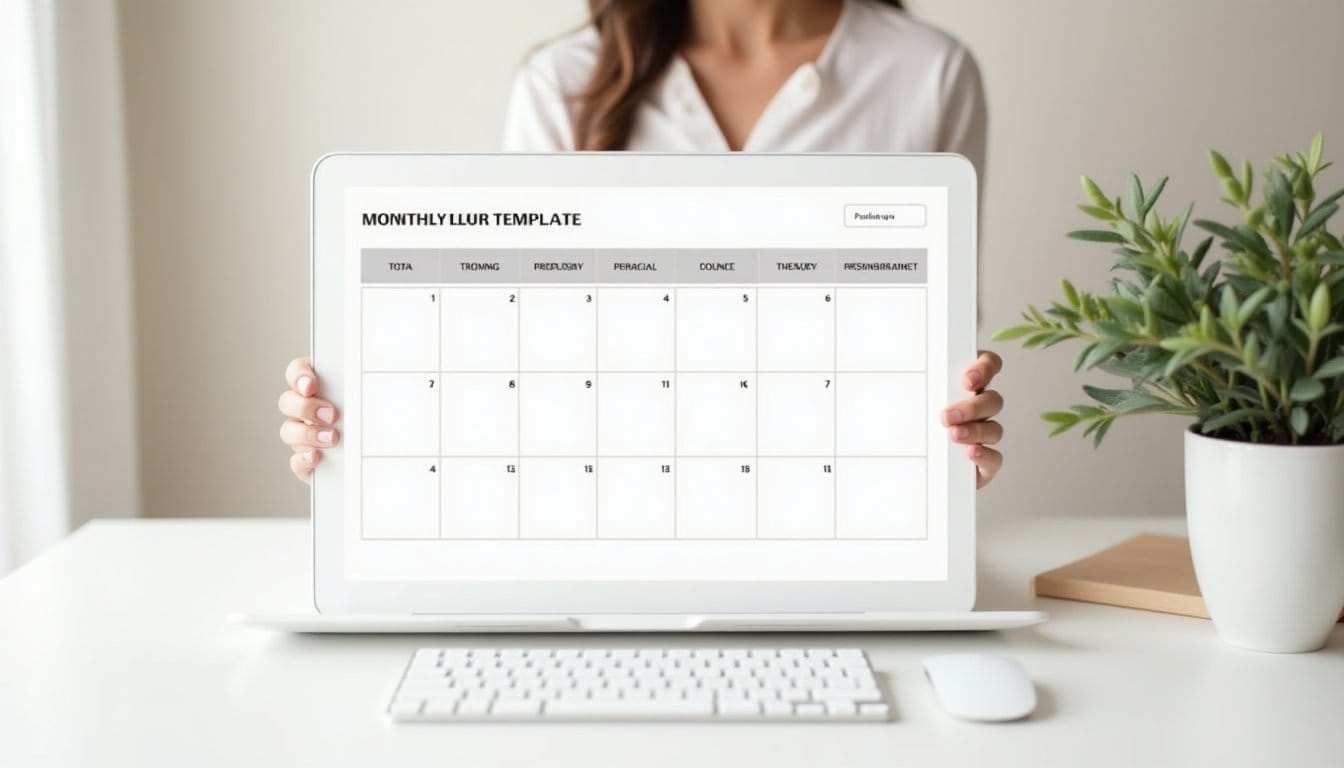
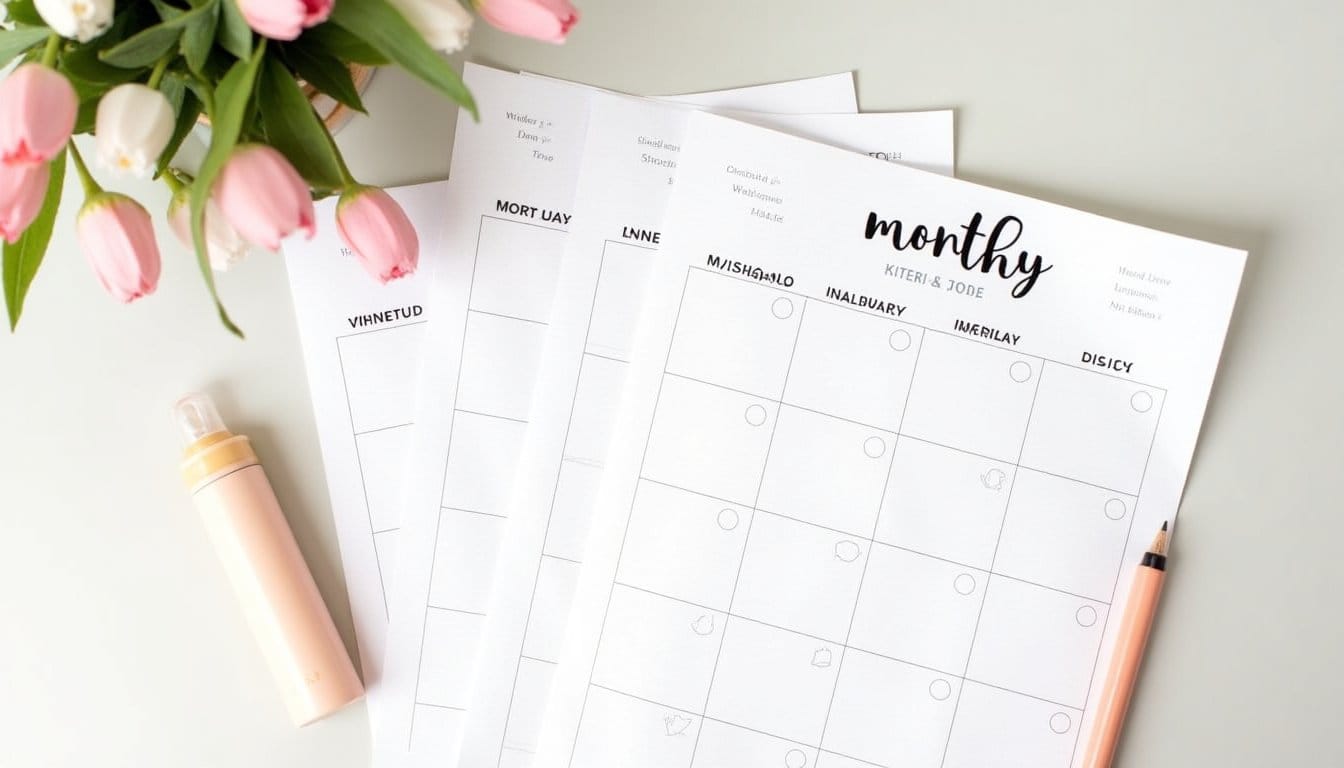
- Content calendar grid (date, post title, category, status)
- Post brief fields (keyword, angle, CTA, required assets)
- Workflow checkpoints (research, first draft, edit, SEO check, scheduled)
- Promotion plan (channels, sample captions, repurpose ideas)
- Metrics to track post-launch (views, time on page, conversions)
How to customize the template to your workflow
Not every blogger needs every field. Here are three customization examples based on common setups.
Solo blogger focused on evergreen content
- Prioritize a “pillar post” each month with 2–3 supporting pieces.
- In the template, add a column for internal links so each supporting piece points to the pillar.
- Reserve a weekend for batch drafting to maintain momentum.
Small team with an editor and VA
- Add an “owner” field and separate status checkpoints that include VA task lists (images, scheduling) and editor notes.
- Use shared comments in the template file to pass feedback without email threads.
Newsletter-first blogger who repurposes posts
- Include a “newsletter snippet” field and a “repurpose” column listing social captions and short-form video ideas.
- Schedule newsletter drafts two weeks before publish so you can collect subscriber feedback and iterate.
Step-by-step: Use the template to plan your month in one sitting
Set aside 60–90 minutes and follow this workflow so planning feels like progress, not another to-do.
Step 1 — Review goals and analytics (10–15 minutes)
Scan last month’s performance and set one measurable goal: increase sessions by X%, improve email sign-ups, or test a new monetization tactic. Keep the target achievable.
Step 2 — Brainstorm and prioritize topics (20–30 minutes)
Fill the calendar grid with 6–12 post ideas depending on your publishing cadence. Use keyword research, reader questions, and evergreen needs to guide choices. Mark high-priority pieces that support your monthly goal.
Step 3 — Create post briefs (15–25 minutes)
For each planned post, write a 2–3 sentence angle, target keyword, desired CTA, and any assets needed (images, screenshots, data). These briefs speed up drafting and reduce revision rounds.
Step 4 — Map promotion and repurposing (10–15 minutes)
Assign promotional channels and draft one caption example per post. Note how you’ll repurpose each post into social snippets, a newsletter blurb, or a short video.
Step 5 — Assign deadlines and checkpoints (5–10 minutes)
Convert the plan into actionable dates: research due, draft due, edit due, publish date, and promotion schedule. Sync the key dates with your calendar app to get reminders.
Concrete examples and realistic scenarios
Seeing the template in action makes it tangible. Here are two quick scenarios showing expected outcomes.
- Example A — Niche hobby blog publishing twice a week: Using the template, the blogger collects 8 post briefs in one session and batches two weekend drafting blocks. Over two months, bounce rate drops because posts are better researched and include improved internal linking planned in advance.
- Example B — Small business blog publishing weekly: The owner plans one product-focused post, one how-to, and two guest posts in a month. By scheduling promotions and newsletter snippets ahead of time, social traffic rises the week of publication and email open rates climb slightly due to more consistent cadence.
Promotion and repurposing shortcuts
Promotion often becomes an afterthought. The template’s promotion section counters that by making outreach a required step.
- Write three ready-to-use social captions (short, medium, long) and store them in the template.
- Create a checklist for platform-specific tweaks (alt text for images, link tracking parameters, best posting times).
- Plan two repurposing items per post: a short video idea and a newsletter excerpt. These increase reach with minimal extra effort.
Monetization ideas to try with a monthly plan

When your content calendar is organized, you can experiment with monetization without disrupting workflow. Two realistic approaches:
- Affiliate integration: Designate one post per month to review or recommend relevant tools. Track clicks and conversions for three months before deciding whether to scale. This requires time to build trust and refine copy—expect a learning curve.
- Lead magnet funnel: Pair a pillar post with a simple opt-in (checklist or template). Measure sign-ups and adjust the magnet based on conversion rates. Building and promoting a lead magnet takes effort: landing page, email automation, and A/B testing.
Both methods require steady traffic and quality content; they’re not immediate income machines but can become reliable over time with consistent planning.
Tips to avoid common planning pitfalls

- Don’t overfill the calendar. It’s better to publish fewer high-quality posts than many low-effort ones.
- Keep briefs short and focused to avoid analysis paralysis.
- Regularly review actual outcomes against the template’s tracked metrics and adjust your process—planning should evolve with results.
- Allow buffer time for unexpected delays like interviews, technical issues, or personal commitments.
Tools that pair well with the template
Most bloggers use a small set of tools alongside a monthly template:
- A shared spreadsheet (Google Sheets) for the template—easy to collaborate on and comment.
- A content calendar plugin or Trello/Notion for visual scheduling and task assignments.
- Basic SEO tools (free keyword planners or a light subscription) to prioritize topics.
Use what fits your workflow; the template’s value comes from consistent use, not tool complexity.
Conclusion
The Monthly Blog Planning Template (Free): Plan Posts Faster streamlines content creation, clarifies priorities, and reduces last-minute stress. With a one-session monthly routine—review goals, brainstorm, write briefs, map promotion, and set deadlines—you’ll publish more predictably and improve post quality. Expect some effort and a learning curve early on, but with steady use the template makes blogging less reactive and more strategic.
Frequently Asked Questions
The Monthly Blog Planning Template is a free, skimmable tool that helps bloggers plan a month of posts in advance. It’s designed for solo bloggers, small teams, or anyone working with a VA or editor who wants to reduce decision fatigue, batch work, and publish more consistently.
Use the template to map out topics, deadlines, and responsibilities for the month, then batch similar tasks (research, drafting, editing, promotion) on designated days. This reduces context switching, makes workload predictable, and speeds up production by letting you complete multiple similar steps at once.
Typical fields include post titles or topics, target audience/goal, publish date, assigned owner, research notes, draft status, SEO keywords, promotion channels, and estimated time for each step. These fields keep each post’s workflow visible and make collaboration simpler.
Yes — the template includes space to plan monetization elements like affiliate links, lead magnets, or product mentions for each post. By planning monetization up front you can align content with revenue goals and ensure promotional steps are included in your schedule.
No special tools are required; the template can be used in a spreadsheet, Google Doc, project management app, or whatever shared system your team already uses. The key is keeping it accessible and updated so deadlines and responsibilities remain clear.