Looking for One Month of Pinterest Content Ideas to Skyrocket Engagement without guessing day by day? This plan gives you 30 days of strategic, save-worthy ideas that work across niches—from food and fitness to DIY and finance. Each day focuses on pin formats and topics that naturally drive clicks, saves, and follows. Use it as a plug-and-play calendar or mix and match based on your brand.
What makes this work: consistency, context, and clarity. Pinterest is a visual search engine, so you’ll use keywords, compelling visuals, and repeatable formats to build momentum. Expect solid, sustainable growth—not a one-off spike.
How to Use This 30-Day Plan
Think of this as a module-based playbook. Every week mixes formats: static pins, carousels, idea pins, and seasonal hooks. That blend teaches Pinterest what you’re about and reaches users at different stages—browsing, planning, and taking action.
- Post cadence: 1–3 pins per day, minimum 5 days a week.
- Mix formats: 60% static pins, 25% idea pins, 15% carousels.
- Batch creation: Design 7–10 pins in one sitting; schedule with Pinterest’s native scheduler.
- Keywords: Write natural titles and descriptions with long-tail phrases your audience searches.
Pro tip: Repurpose one strong idea into multiple pins with different headlines, colors, or angles. Pinterest rewards freshness in visuals more than reinventing topics.
Week 1: Foundation and Fast Wins
Start with high-value, evergreen content. The goal is to clarify your niche to Pinterest and introduce your best resources. These pins should feel actionable and highly savable.
- Day 1: Cornerstone Guide Pin — “Start Here” post or most helpful resource. Use a bold title and a benefit-driven subhead. Related keywords: beginner guide, step-by-step, how to.
- Day 2: Carousel of Tips — 5 slides of quick wins. Each slide = 1 tip with a short phrase. Encourage saves with “Pin for later” in the last slide.
- Day 3: Idea Pin Tutorial — A simple, visual how-to with 4–6 steps. Keep overlays short; let the images show the process.
- Day 4: Checklist Pin — One-page visual checklist with clear boxes or icons. Link to a fuller blog post or downloadable.
- Day 5: Seasonal Angle — Tie your niche to the current season or upcoming holiday. Use timely keywords naturally.
- Day 6: Before/After Pin — Show a transformation (room refresh, budget tweak, workout progression). People save proof.
- Day 7: Roundup Pin — Curate 7–10 tools, recipes, or ideas. Use a numbered title: “9 Easy X for Y.”
Beginner mistake to avoid: cramming tiny text on your pins. If it isn’t legible at a glance on mobile, it loses clicks and saves.
Week 2: Problem-Solving and Search Power
This week leans into long-tail keywords and queries your audience already types. Create content that answers “how,” “what,” and “why”—and make sure your images reflect the promise.
- Day 8: How-To Pin with Specific Outcome — “How to [Achieve X] in [Timeframe/Steps].” Use a photo that shows the outcome, not just tools.
- Day 9: Mistakes to Avoid — “7 Common [Topic] Mistakes (+ Easy Fixes).” People save these to reference later.
- Day 10: Budget-Friendly Version — “Under $20,” “No-Sew,” “No-Bake,” “Beginner-Friendly.” Clear constraints drive clicks.
- Day 11: Quick Start Template — A template or cheat sheet. Emphasize “printable” or “editable” if applicable.
- Day 12: Comparison Pin — Option A vs. Option B. Simple side-by-side visual with pros/cons in the description.
- Day 13: Mini Challenge — A 3-day or 7-day plan. Outline the steps visually; link to a full guide.
- Day 14: Myths vs. Facts — Debunk 3–5 common myths with clean graphics and short overlays.
Real-world insight: Pins that hint at a fresh angle—like “no equipment,” “one bowl,” or “done in 10 minutes”—routinely outperform generic how-tos across niches.
Week 3: Visual Storytelling and Community
By now, you’ve seeded evergreen value. This week, humanize the brand and deepen trust with story-led pins and community prompts.
- Day 15: Behind-the-Scenes Idea Pin — Show how you plan, shoot, or source. Keep it simple: 5 slides with captions.
- Day 16: Reader/Client Feature — Share a success story or user-generated photo (with permission). Authenticity boosts saves.
- Day 17: “What I’d Do Differently” — Lessons learned with 3–5 takeaways. Honest, non-hype tone resonates.
- Day 18: Starter Kit — “Everything You Need to Start [Topic].” Use a flat lay or clean graphic with 5–7 items.
- Day 19: Swipe File — Poses, color palettes, caption ideas, layout inspo. Highly savable reference content.
- Day 20: Progress Pin — Share part 1 of a multi-step project; tease part 2. Add “Follow for updates.”
- Day 21: Q&A Carousel — Answer 5 FAQs you get in DMs or comments. Keep each slide to one clear answer.
Tip: Overlay text should be readable without zooming. Use high-contrast colors, clean fonts, and generous spacing to boost engagement.
Week 4: Conversion and Momentum
Turn engagement into action—newsletter signups, product trials, or deeper content consumption. The key is value-first pins that make clicking feel like the next logical step.
- Day 22: Lead Magnet Pin — Highlight a valuable freebie with a strong benefit headline: “Get the 7-Step Planner.”
- Day 23: “Start Here” Board Highlight — Create a pin that invites users to a curated board: “New? Start with These 10 Ideas.”
- Day 24: Case Study — Visual snapshot: the problem, the process, the result. Keep overlays minimal; detail goes in the description.
- Day 25: Tool Stack — Share the exact tools/apps/materials you use. People love duplicable systems.
- Day 26: Upgrade Pin — “Turn X into Y in 30 Minutes.” Show a small improvement with a tangible payoff.
- Day 27: “Don’t Do This, Do That” — Side-by-side best practice. Great for design, writing, staging, and editing topics.
- Day 28: Mini Series Finale — Close the loop on a multi-part tutorial; link to the full series for bingeable content.
Pro move: When a pin gets traction, create two more variations with new titles and backgrounds within 48 hours to compound momentum.
Days 29–30: Seasonal Sprint and Refresh
End the month with timely relevance and a content refresh. This boosts search visibility before peak periods and keeps your top posts current.
- Day 29: Seasonal Plan — “30-Day [Season/Holiday] Prep.” A timeline or checklist performs well as a save-for-later resource.
- Day 30: Refresh a Top Pin — Keep the URL but redesign the visual with a new headline and color scheme. Add updated keywords.
If your niche is highly seasonal, schedule next month’s seasonal pins now. Pinterest users plan early—often 30–60 days ahead.
Design That Earns Clicks and Saves
Strong design compounds your results. You don’t need complex graphics—just clarity and consistency. Focus on scannability and contrast.
- Use 2–3 brand colors and 1–2 fonts. Keep it consistent across pins.
- Design for mobile: large type, high contrast, generous margins.
- Show outcomes, not just ingredients or tools. Reveal the “after.”
- Add subtle calls to action: “See steps,” “Get the template,” “Pin to plan.”
- Try 3–5 title variations on your best ideas to find winners.
Beginner mistake: centering everything. Use a clear hierarchy—dominant headline, supporting subhead, visual focus—to guide the eye quickly.
Keyword Strategy Without the Jargon
You don’t need a massive SEO spreadsheet. You need phrasing that matches how people search. Think like your audience planning their next project.
- Start with 2–4 core topics. Example: “weeknight dinners,” “meal prep,” “budget recipes,” “kids snacks.”
- List related long-tails: “15-minute dinners,” “one-pan meals,” “$5 lunches,” “no-oven snacks.”
- Use these in titles and descriptions naturally. Sprinkle synonyms: quick, easy, fast, simple.
- Write for humans first: “Easy one-pan dinners for busy weeknights” beats keyword stuffing.
- Check Pinterest search suggestions and related pins for phrasing ideas.
Consistency matters more than perfection. Use relevant words, keep it natural, and pin regularly.
Weekly Workflow to Stay Consistent
Set a repeatable routine so content never stalls. The simpler the system, the easier it is to ship.
- Plan (30 minutes): Choose 7 ideas from the month’s list, pair each with one keyword phrase.
- Create (90 minutes): Batch design pins in a single template set; export multiple cover options.
- Write (30 minutes): Draft concise titles and descriptions with 1–2 keywords each.
- Schedule (15 minutes): Use Pinterest’s native scheduler to spread posts over the week.
- Review (15 minutes): Check last week’s top 3 pins; make 2–3 variations of the best one.
Keep a “Pin Vault” board (secret) with templates, color palettes, and headline formulas so you can build fast without starting from scratch.
Metrics That Actually Matter
Vanity metrics look nice, but you’ll grow faster by tracking signals that predict future reach and saves. Review weekly and monthly.
- Saves per impression: Are people bookmarking your ideas? Aim to improve this by 10–20% monthly.
- Outbound clicks: Which topics and titles get the most curiosity-driven taps?
- Pin distribution: Are you mixing formats and topics, or repeating one angle too often?
- Top 10 boards: Where are your winners living? Double down there.
- Time to traction: How quickly do new pins start getting impressions? Faster pickup usually means better match to search intent.
Use insights to refine next month’s plan: promote high-performing themes, fix underperforming designs, and keep testing headlines.
30 Prompts You Can Copy and Paste
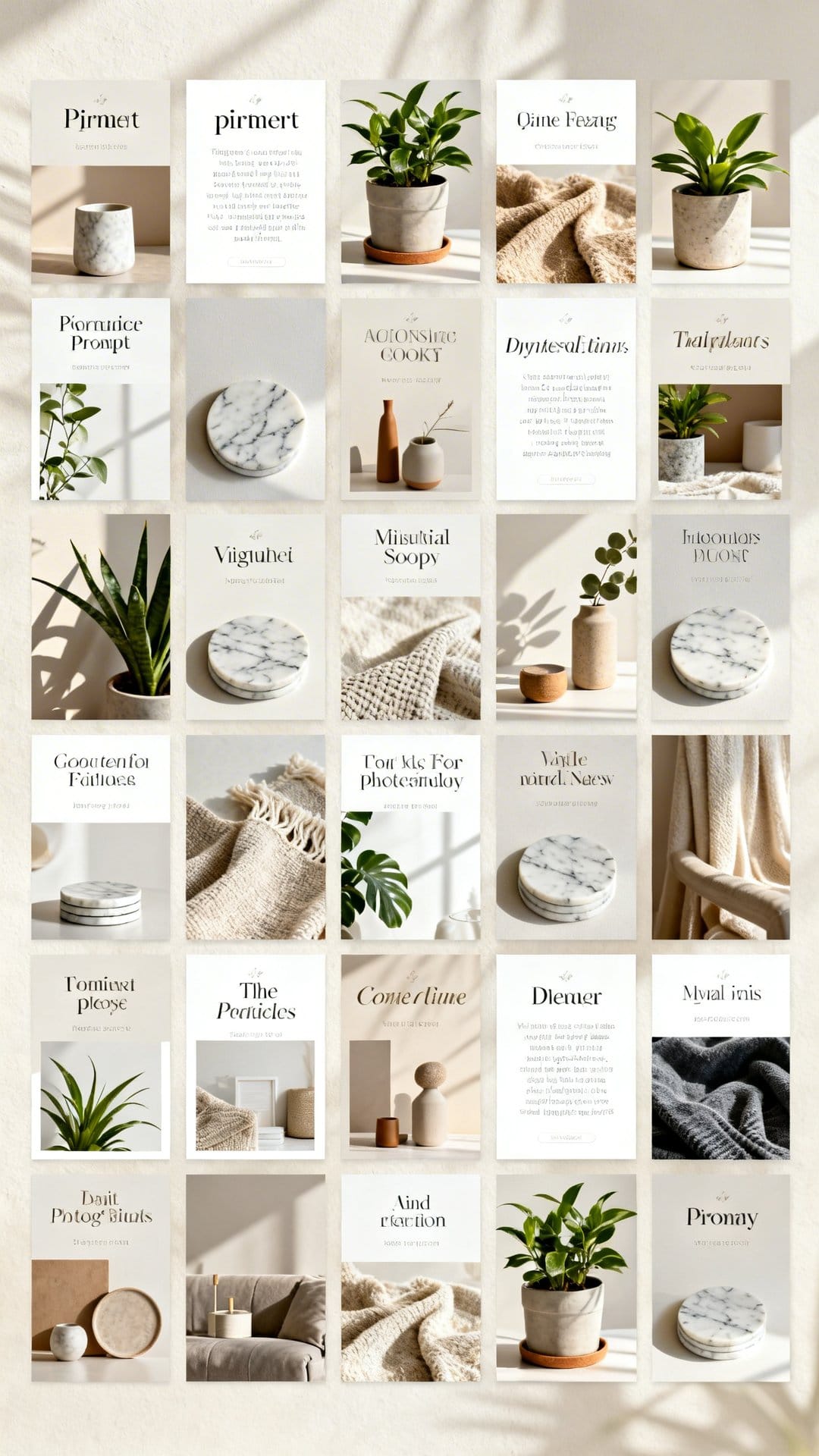
Use these prompts across niches. Swap in your topic and make three visual variations of your top ideas.
- [Beginner Guide]: “Start Here: The Simple Way to [Do X]”
- [Quick Wins]: “5 Fast Fixes for [Problem]”
- [No-Experience]: “No-[Tool/Skill] [Project] (Step-by-Step)”
- [Checklist]: “[Season] Checklist: Don’t Forget These 9 [Items/Tasks]”
- [Budget]: “[Result] for Under $[Amount]”
- [Time-Saver]: “Done in 10: [Task] the Easy Way”
- [Myths]: “Stop Believing These [Topic] Myths”
- [Mistakes]: “7 Mistakes Ruining Your [Outcome]”
- [Template]: “Steal My [Template/Planner]”
- [Comparison]: “A vs. B: Which Is Better for [Goal]?”
- [Upgrade]: “Turn Your [Basic] into [Better] in 30 Minutes”
- [Workflow]: “My 5-Step System for [Result]”
- [Roundup]: “9 Ideas to Try This Weekend”
- [Seasonal]: “[Holiday] Ideas You’ll Actually Use”
- [Capsule]: “The Only [Tools/Ingredients] You Need”
- [Swipe File]: “Copy These [Design/Caption/Palette] Ideas”
- [Before/After]: “From [Before] to [After]: What Changed”
- [Progress]: “Week 1 vs. Week 4: Real Results”
- [Challenge]: “3-Day [Topic] Challenge (Save This)”
- [Q&A]: “You Asked, I Answered: [Top Question]”
- [Starter Kit]: “Everything You Need to Start [X]”
- [Case Study]: “How We Achieved [Result]”
- [UGC]: “Your Photos, Our Tips”
- [Minimalist]: “Simplify [Task] with 3 Steps”
- [Advanced]: “Pro Tips for Next-Level [Result]”
- [Plan]: “30-Day Plan for [Goal]”
- [Tools]: “The Exact Tools I Use”
- [Refresher]: “Updated for [Year]: What Works Now”
- [Board Guide]: “New? Start with This Board”
- [Freebie]: “Get the Free [Template/Guide]”
Troubleshooting Low Engagement
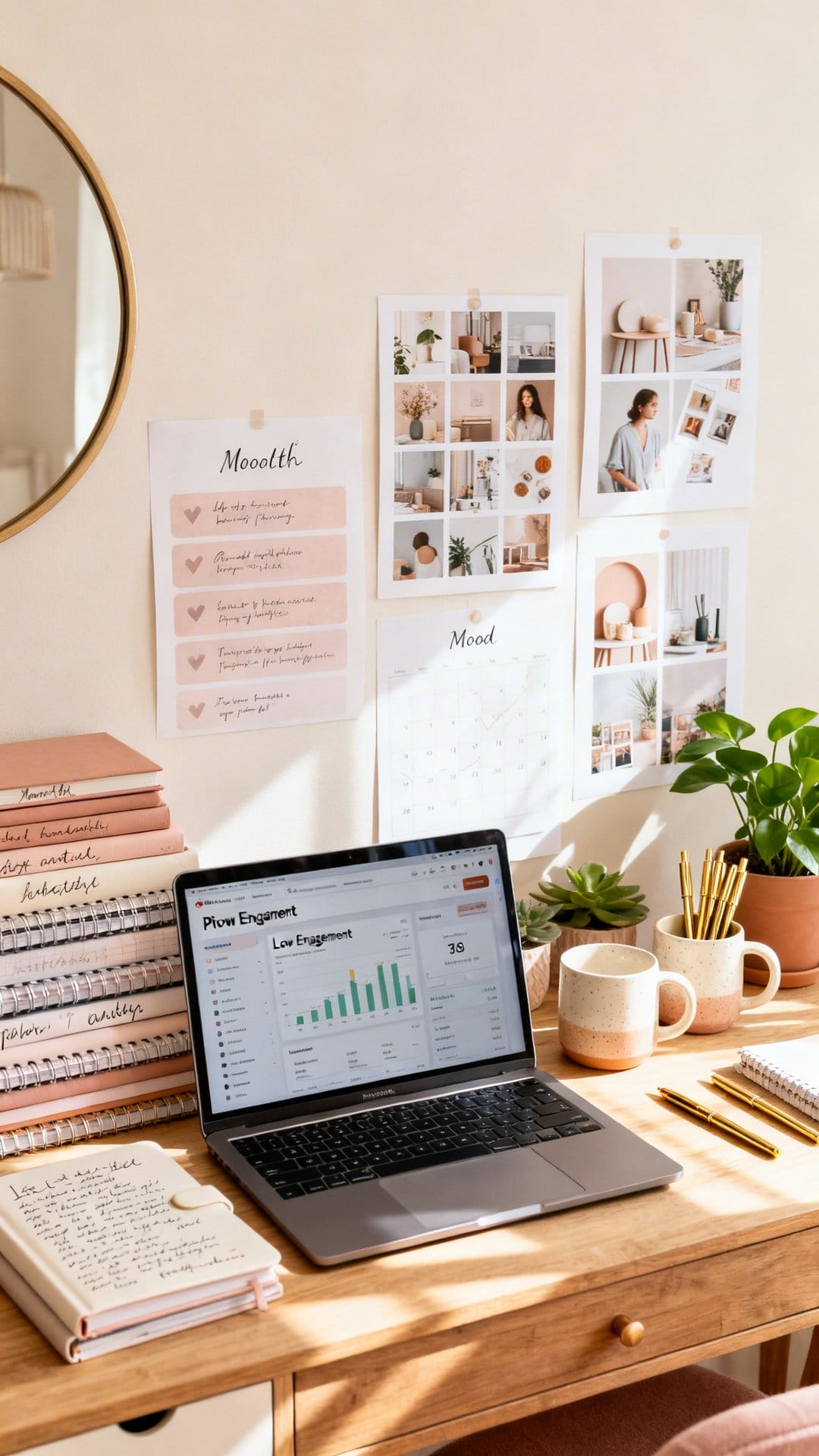
If your pins aren’t moving, test one lever at a time for a week. Small tweaks compound.
- Headline misses: Try a more specific benefit or strong constraint (time, budget, difficulty).
- Visual clutter: Increase font size, reduce words, add contrast, simplify the image.
- Poor search match: Align title and description with real queries; add a few related keywords.
- Weak hook: Lead with outcome imagery. People save the “after.”
- Wrong timing: Publish seasonal content 30–60 days early.
One overlooked fix: rename boards with clear keywords and reorder them so your top themes appear first on your profile.
Putting It All Together
This plan for One Month of Pinterest Content Ideas to Skyrocket Engagement gives you a repeatable system: a weekly content mix, purposeful design, and keyword clarity. You’ll build authority with evergreen value, earn saves with visual references, and convert interest with helpful resources.
Start with week one today. Batch 7–10 pins, write clean titles, and schedule them out. Keep a close eye on saves per impression and recreate winners fast.
With consistency and small optimizations, your profile compounds. Use these One Month of Pinterest Content Ideas to Skyrocket Engagement as a base, keep testing headlines and visuals, and watch your saves, follows, and clicks rise month after month.
Conclusion
When you want reliable growth, you don’t need flashy tricks—you need structure. This guide to One Month of Pinterest Content Ideas to Skyrocket Engagement shows how to post with intention: solve real problems, show clear outcomes, and refresh strong ideas often. If you stick to the weekly rhythm and refine based on data, your content becomes more discoverable, more savable, and more clickable. Start now, iterate weekly, and let compounding consistency do the heavy lifting.
Frequently Asked Questions
It’s designed for creators and brands across niches like food, fitness, DIY, and finance. If you want consistent engagement without guessing what to post daily, this plan fits.
Aim for 1–3 pins per day, at least 5 days a week. Consistent posting helps Pinterest learn your topic authority and boosts distribution over time.
You’ll rotate between static pins, carousels, idea pins, and seasonal hooks. This mix reaches users at different stages—browsing, planning, and taking action—for better overall engagement.
It leans on keywords, compelling visuals, and repeatable formats to build momentum. The focus is on sustainable growth—more saves, clicks, and follows—rather than one-off viral spikes.
Yes—use it as a plug-and-play schedule or mix and match ideas based on your niche. Keep the core principles—consistency, context, and clarity—while tailoring topics and visuals to your audience.